
How It Works
The bot operates like any other standard Discord bot. Once invited, it will index messages from channels it has been given access to. Activation by a server owner or administrator is required before any message data is processed, ensuring full control and transparency.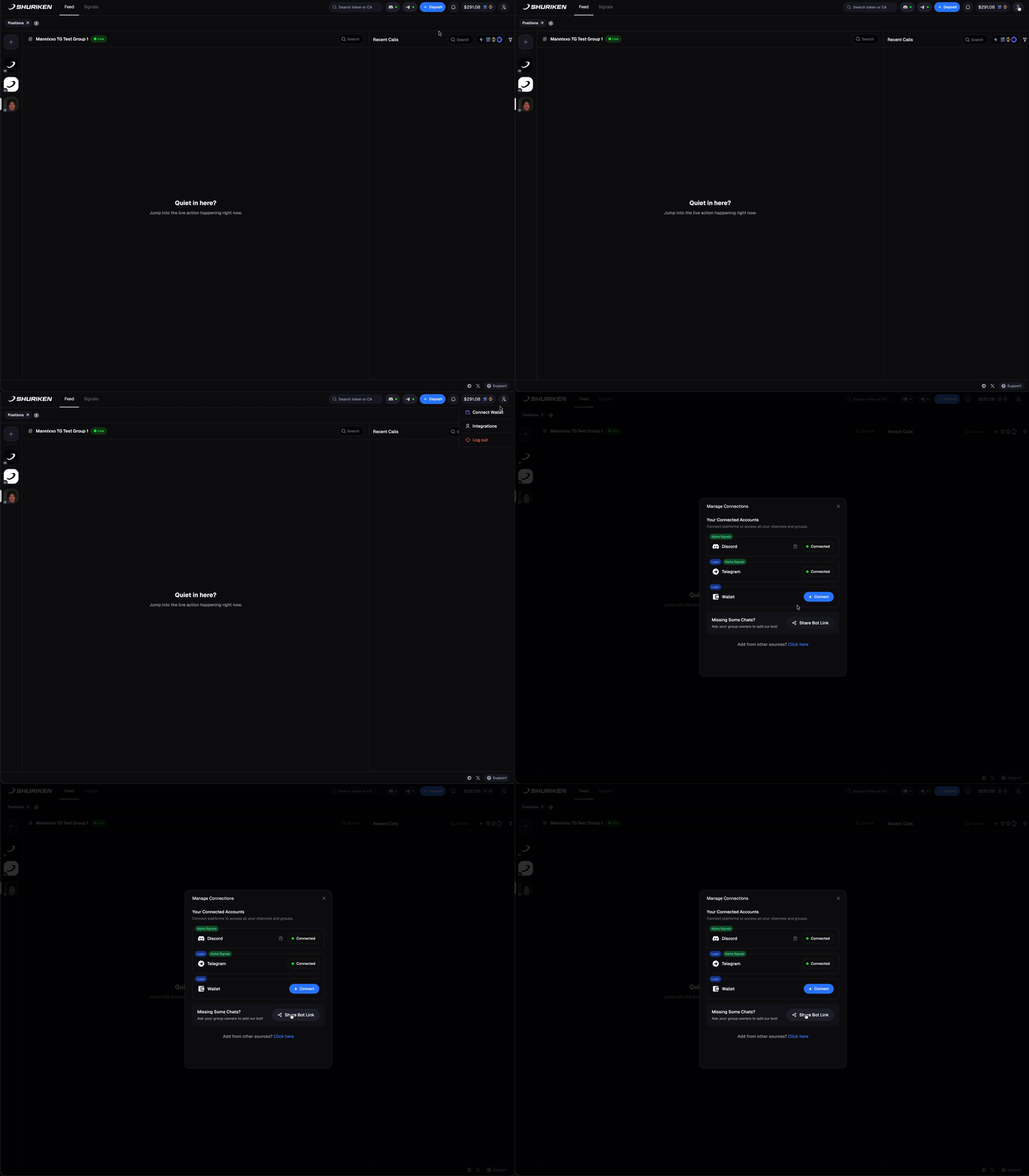
1
Invite the Bot
The first step is to invite the official Shuriken Bot to your Discord server. You must have
Administrator or Manage Server permissions to do this.The bot requires a basic set of permissions to read messages and view channels. It will never post messages, manage roles, or perform any administrative actions.
2
Activate the Server
For security and privacy, message processing does not begin automatically. A user with Owner or Administrator privileges in the Discord server must explicitly activate it.
- In the Shuriken Terminal, an “Activate” button will appear for authorized users.
- Click this button to grant the bot permission to begin indexing messages.
Once activated, you will see a confirmation, and messages from your server will begin to appear in your unified feed in real-time.